TRAVEL ARTICLES
GPX and offline maps: a simple mountain checklist
Download the route, check what the file actually contains and keep a backup before you leave mobile coverage.
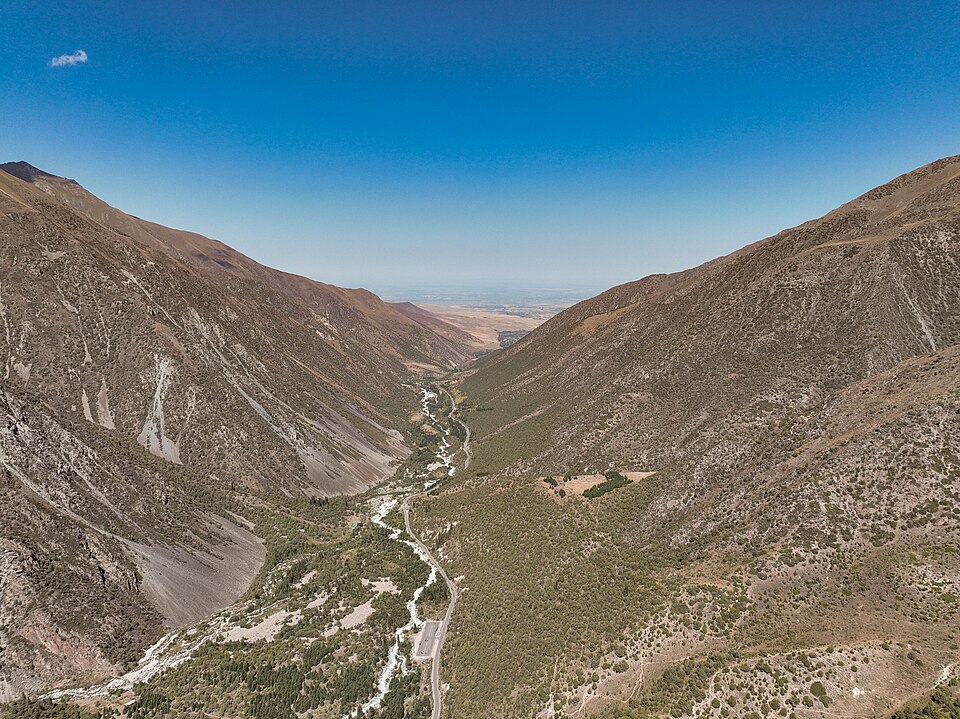
 Photo: Lymantria · CC BY-SA 4.0 · Source · License
Know what your GPX represents
A GPX can contain a recorded walk, a planned line or geometry exported from a map. Check its source and look for gaps. A track without elevation data cannot tell you its true climbing effort, and a mapped trail does not prove that a bridge or river crossing is usable today.
Download offline maps as well as the track
Install an offline mapping app and download the surrounding map area, including your approach and possible exits. Open the file at home and inspect the beginning, finish and separate segments. Try the map with your phone in flight mode.
Protect your battery
Carry a charged power bank and keep equipment dry. Cold weather and constant screen use can reduce operating time. Share the plan and expected return time with someone before you leave coverage.
On the trail
Use the map together with the terrain and your judgement. If the route line leads into conditions beyond the group’s ability, stop and reassess. A known retreat is better than forcing a line because it appears on a screen.
Contribute what you learned
A recent, clearly dated note about a closed access road, damaged bridge or snow patch helps the next group. Use the route report form to share useful observations without posting private information.
Photo gallery
10 photos · select to enlarge
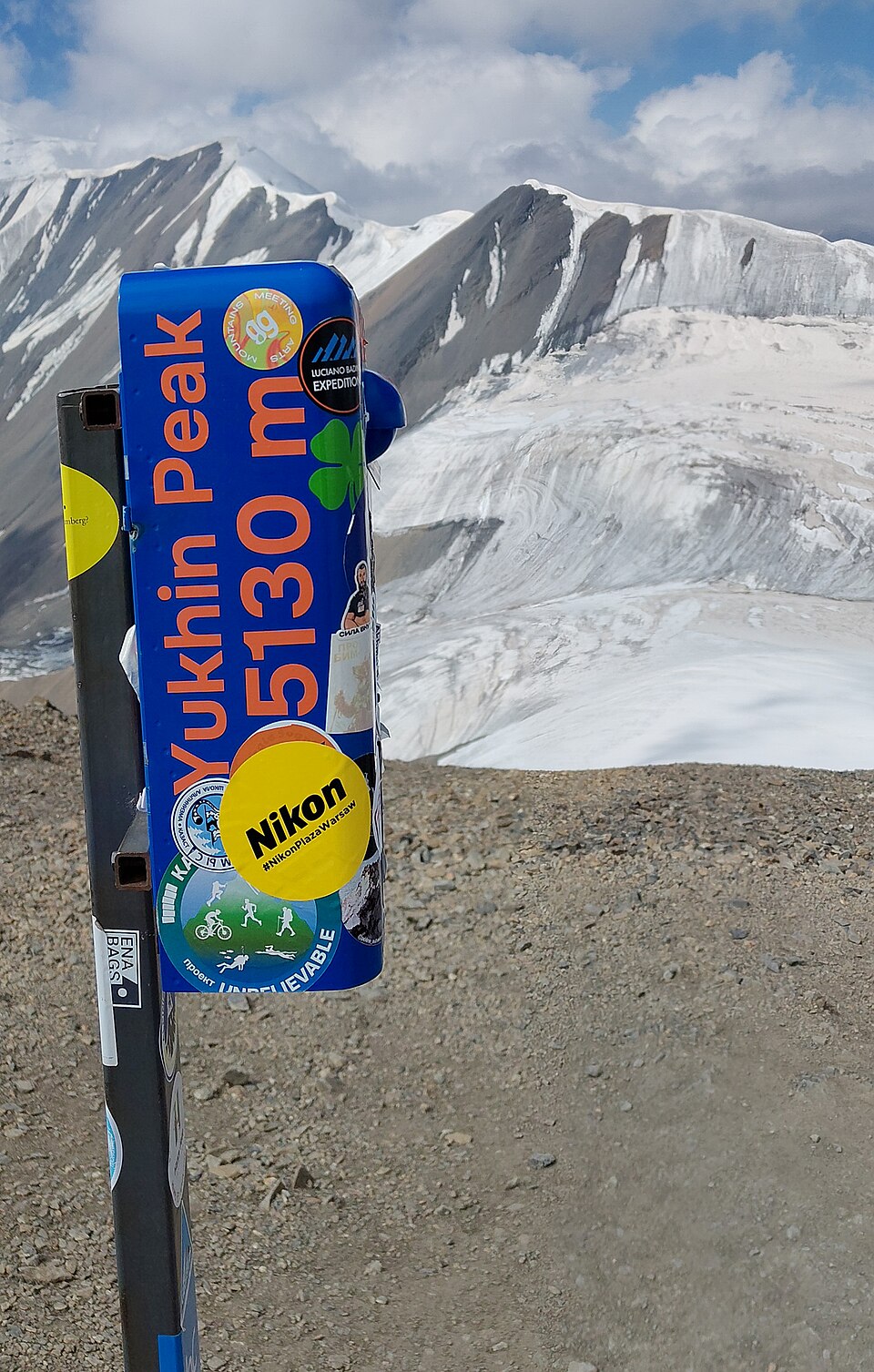
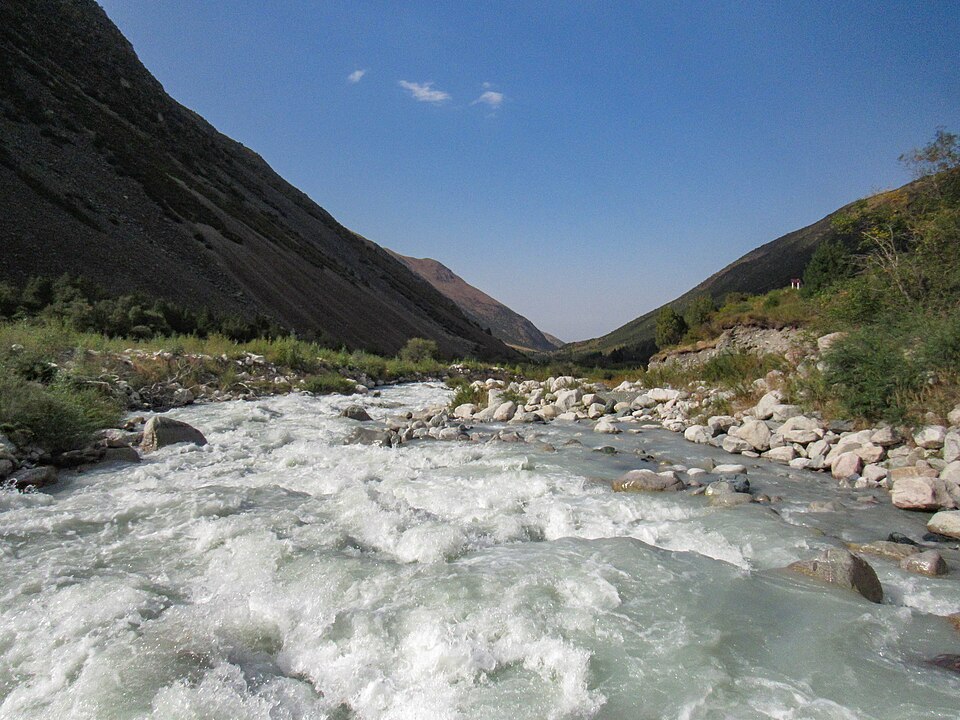
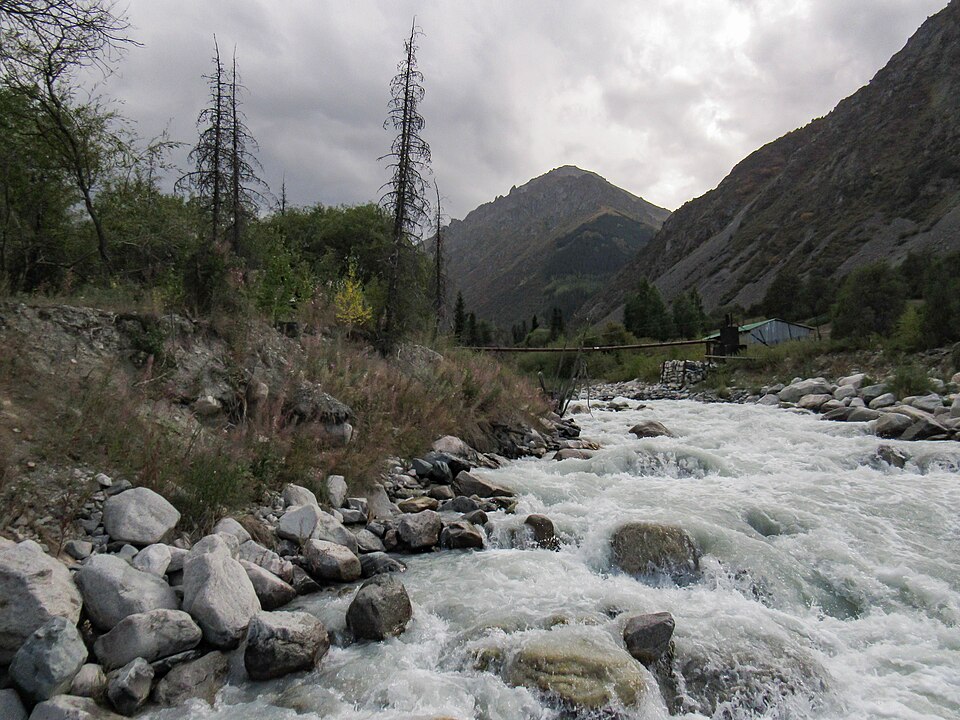
Destination photographs illustrate this article; they do not document every region or route discussed.